


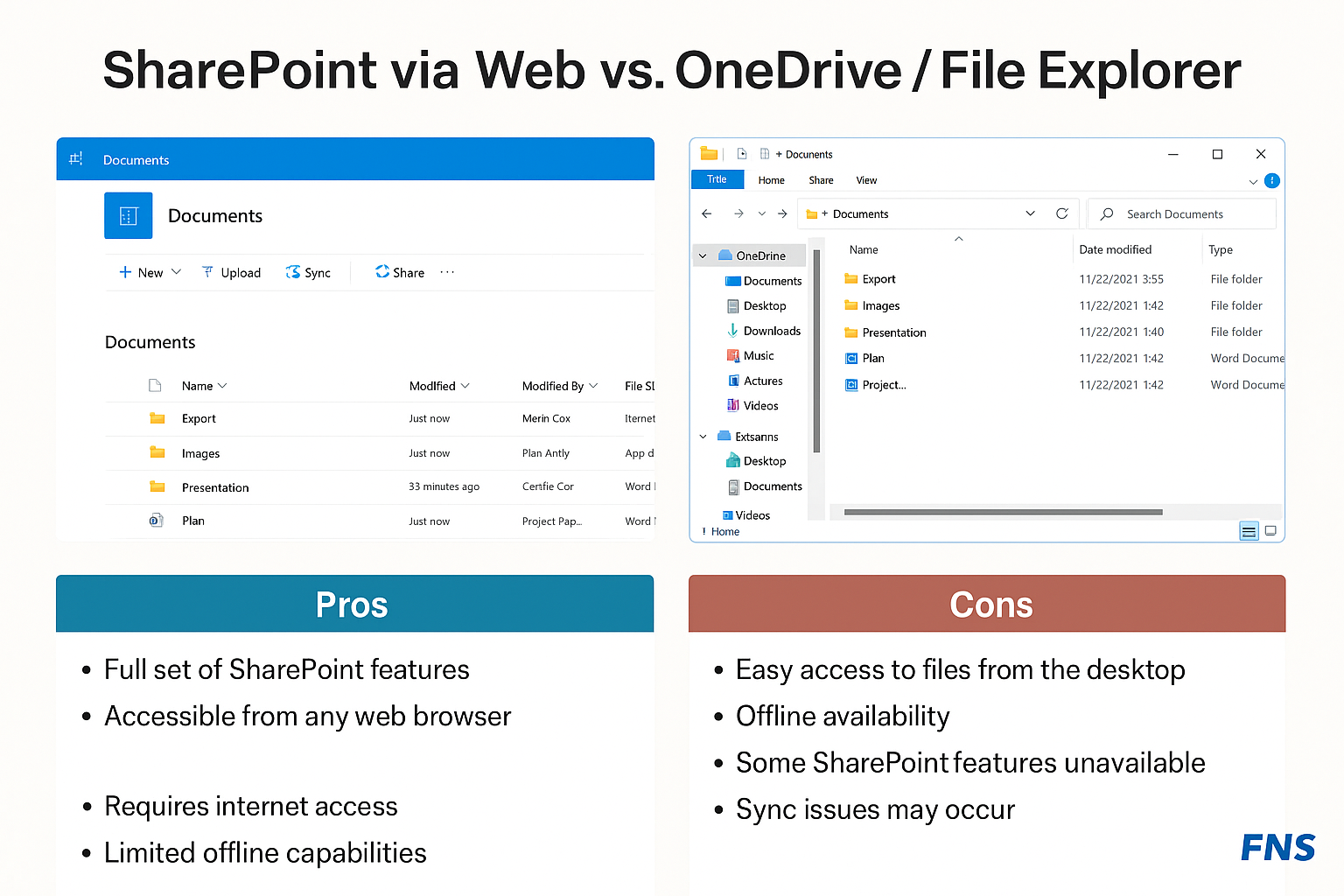
Comparison: SharePoint via Web Interface vs OneDrive/File Explorer
This document provides a comparison between using SharePoint through the web interface and using OneDrive/File Explorer to access SharePoint files. We will discuss the benefits and limitations of each approach to help you determine the most suitable method for your needs.
Overview Comparison:
| Feature | SharePoint Web Interface | OneDrive/File Explorer |
| Ease of Access | Access via browser with no need for installation. | Access via OneDrive sync, available in File Explorer or Finder. |
| Offline Access | Requires internet connection. | Files can be accessed offline once synced to OneDrive/File Explorer. |
| Collaboration | Great for collaboration with live document editing and version control. | Limited collaboration features; requires syncing to ensure latest versions are available. |
| File Management | Manage files in a browser, drag and drop files easily. | Manage files in File Explorer with full desktop interface, drag and drop, and native file handling. |
| Syncing | No automatic sync. Changes must be saved manually. | Automatic syncing of files once configured in OneDrive/File Explorer. |
| File Search | Built-in search in the web interface. | File search works directly in File Explorer or Finder. |
| Access Permissions | Permissions set and managed via SharePoint settings. | Permissions follow SharePoint rules but are accessed via local file system settings. |
| Speed | Depends on internet speed; slower when managing large files. | Faster access and manipulation of files once synced locally. |
| Security | Cloud-based, secured by SharePoint’s online security protocols. | Secured by OneDrive/Windows/Mac security protocols; files are stored locally until synced. |
Pros and Cons
SharePoint Web Interface:
Pros:
– Access from any device with a browser
– Simple for collaborative work in real-time
– No installation needed
– Ideal for working directly with SharePoint lists, forms, and web-based apps.
Cons:
– Requires an internet connection
– Limited offline access
– Slower file management for large files
– Some users may find the interface less intuitive compared to native file systems.
OneDrive/File Explorer:
Pros:
– Offline access to files once synced
– Faster file handling and management
– Seamless integration with desktop file systems
– Automatic syncing with OneDrive ensures up-to-date files.
Cons:
– Requires OneDrive setup and syncing
– Not as straightforward for collaborative tasks as SharePoint’s web interface
– Limited to files that are synced locally; not ideal for online SharePoint apps.